
List Your OOH Media on Our Marketplace
Upload OOH Media inventory easily — reviewed and approved to ensure quality and buyer trust.
Sign Uptrending_flatHow Inventory Submission Works
-
Step 1
Choose Your Screen Type
Select the type of inventory you want to upload:
Static Media – Billboards, Hoardings, Wall Wraps, Unipoles, Transit Media, and more
Digital Media – LED Screens, Digital Billboards, and more
-
Step 2
Download the Template
Download the Excel template tailored to your selected screen type:
Each template is designed to capture all required technical, location, and commercial details for faster approval.
-
Step 3
Enter Your Unit Information
Fill in your inventory details in the template, including:
Location Details - Address, city, state, latitude & longitude
Media Specifications - Media type, size, illumination, environment
Pricing Details - Base price, availability period, loop details (for digital)
Operational Details - This structured format ensures faster review, accurate verification, and quicker approval.
-
Step 4
Upload Your Inventory File
Upload the completed Excel template to submit your inventory for review.
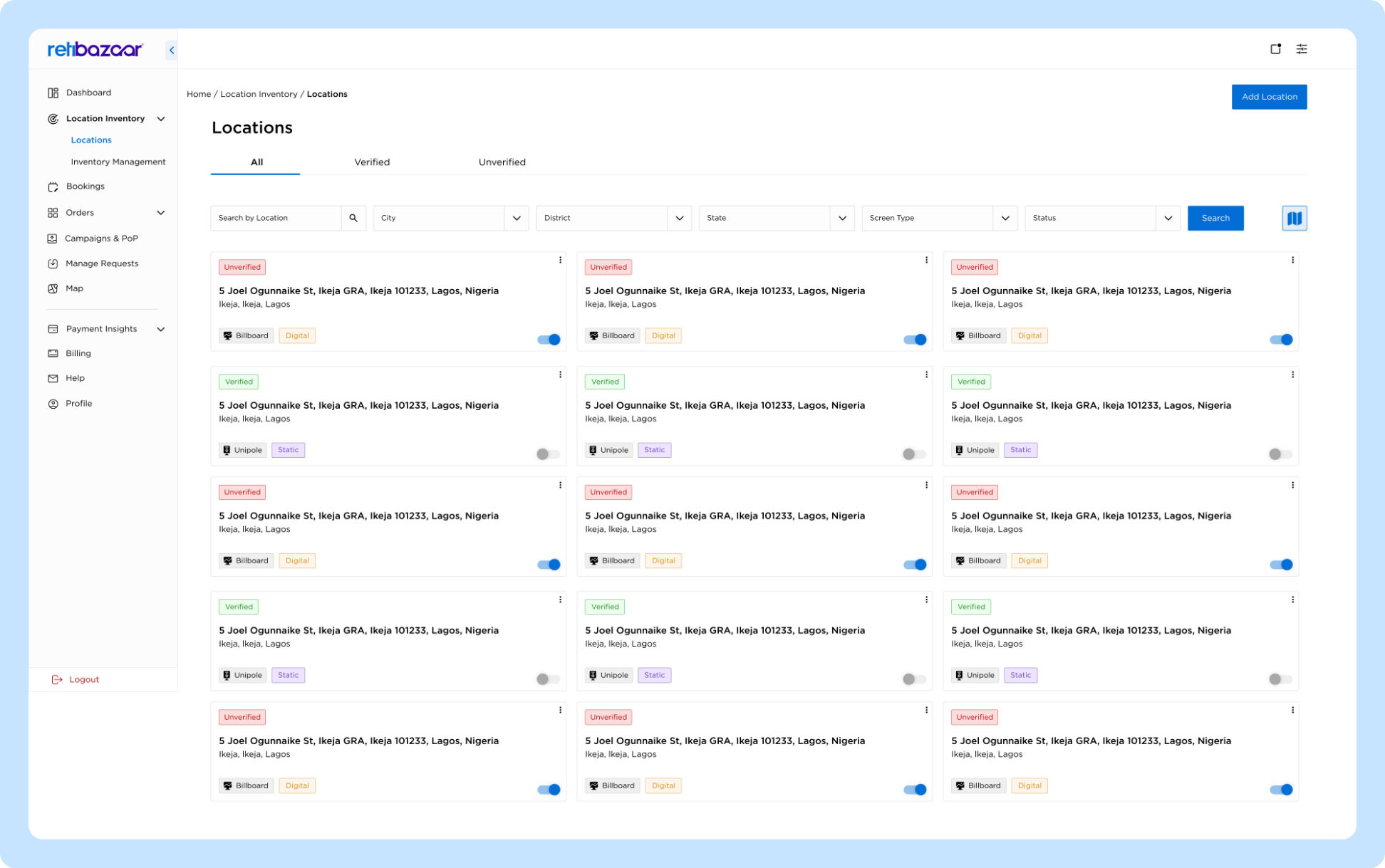
Each location moves to Pending Review
Inventory is not visible to buyers until approved
-
Admin Review & Approval
Our team reviews every submitted location to ensure accuracy and authenticity.
Locations may be approved, or rejected
Status updates are visible in your dashboard
-
Add Images & Videos
Once your inventory is uploaded:
Add real site images and/or videos for each location
Visuals help verify the location and improve buyer trust
-
Step 5
Inventory Goes Live
Once approved:
Locations become Active on the marketplace
Buyers can discover, plan, and book campaigns using your inventory
Inventory becomes eligible for campaign requests and bookings
Important Guidelines
for  Sellers
Static and Digital inventory must be uploaded separately
One Excel row = One media location
Pricing and availability should always reflect real-world conditions
Updates to pricing, discounts, or availability can be made later via the dashboard
Only approved locations are visible to buyers
Why This Process Matters
Ensures high-quality, verified inventory
Builds trust with media buyers
Enables accurate planning, reach, and impression modeling
Reduces campaign disputes and delays
Improves overall marketplace performance
Need Help With Uploading?
If you need assistance:
Refer to the sample-filled Excel template
Contact support through the Seller Dashboard
Our team is happy to guide you through the submission process.